
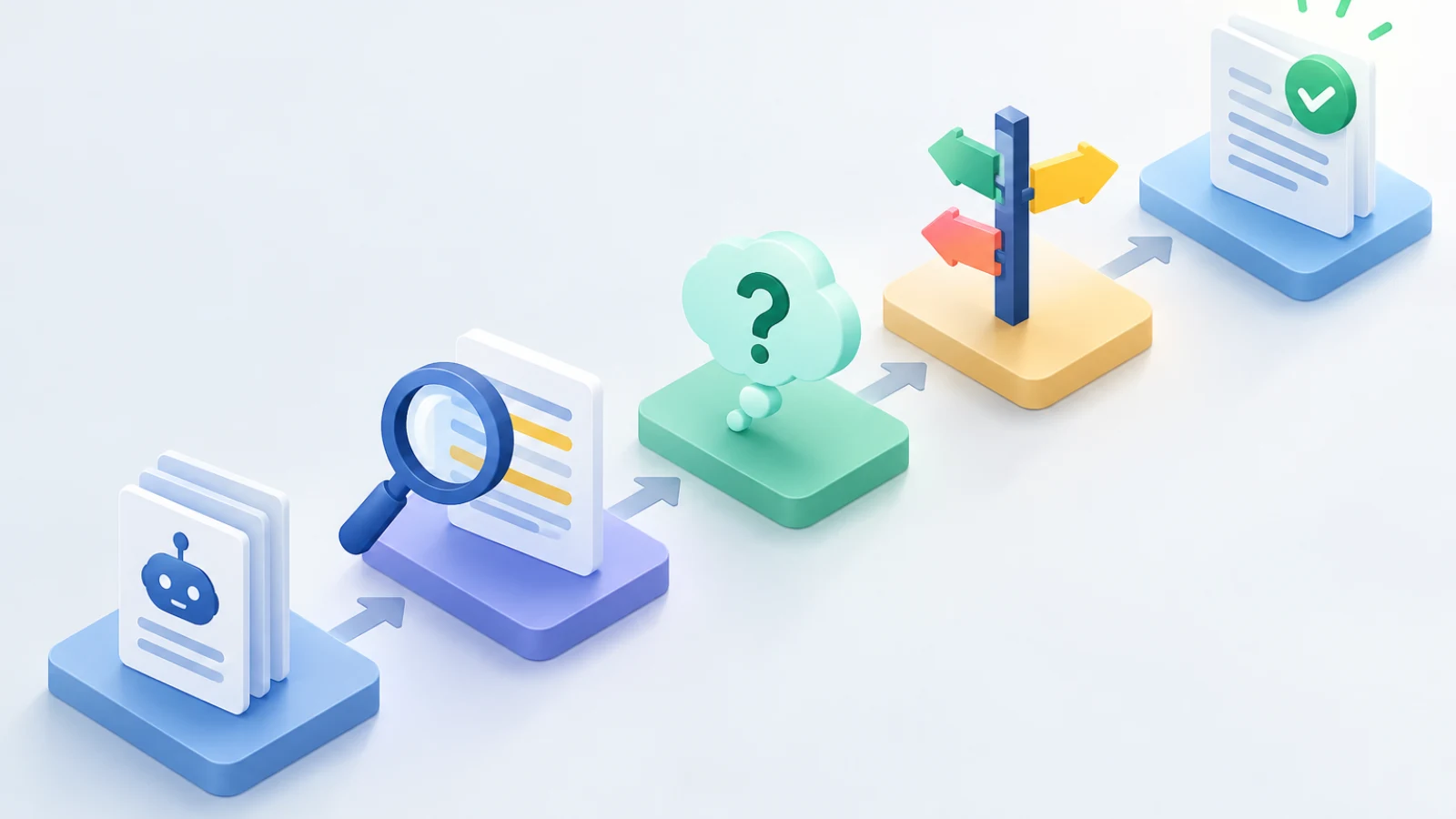
To review AI-generated examples safely, separate approved business facts from illustrative scenarios, test what a reasonable reader may infer, and choose to verify, label, rewrite, or remove the example before publication.
AI-generated examples can make a business article easier to understand, but fluency is not evidence. A draft may describe a customer, workflow, product capability, timeline, or result in a way that sounds realistic while quietly implying that it happened, applies universally, or is guaranteed. This guide shows how to review AI-generated examples with a repeatable decision process so your organization can preserve useful explanation without publishing unsupported business details.
In this guide
Define the example before deciding how to handle it
An AI-generated example is a concrete situation used to explain an idea, process, or decision. It may use a fictional company, a made-up employee, sample numbers, a sequence of actions, or a customer-style narrative. The label “example” does not automatically make every detail safe: a reader can still take a specific capability, outcome, price, or quoted reaction as a statement about your real business.
Three forms that need different review
| Form | What it does | Safe publication route |
|---|---|---|
| Factual example | Describes a real event, customer, product behavior, or measured result | Verify each material detail against approved evidence and obtain any required permission. |
| Hypothetical scenario | Uses an invented situation to explain how a reader might apply an idea | State that it is illustrative, avoid unsupported product specifics, and do not imply a typical outcome. |
| Composite illustration | Combines patterns or details from more than one situation | Use only when the composition cannot be mistaken for one real case; describe it as a composite or rewrite it generically. |
Keep three editorial controls separate. Fact checking asks whether a statement is true and supported. Approved business facts identify the organization-specific details you are authorized to publish. Subject-matter review asks whether the explanation reflects how the work, product, or process actually operates. Reviewing examples draws on all three controls, but it adds a reader-interpretation question: what does this scenario lead someone to believe?
Why plausible examples deserve a separate review
Examples are persuasive because they turn an abstract promise into a picture of use. That is also why small details matter. A fictional story about a “regional manufacturer” can imply that you serve that market. A sample dashboard can imply that a feature exists. A sentence saying a team “cut onboarding time in half” can be read as an outcome claim even if the company name is invented.
The FTC explains that advertising review considers both express and implied claims, and considers the advertisement in context, including words, phrases, and pictures. (Advertising FAQ's: A Guide for Small Business | Federal Trade Commission) Its guidance also says advertisers need evidence for claims consumers take from an ad. (Advertising FAQ's: A Guide for Small Business | Federal Trade Commission) Although a business article is not automatically an advertisement in every circumstance, this is a useful editorial lens: review the surrounding headline, caption, call to action, and visuals rather than evaluating one sentence in isolation.
Use four outcomes for every example
Example-review decision table
| Decision | Use it when | Required action | Publication wording |
|---|---|---|---|
| Verify as fact | The example describes a real customer, event, capability, metric, or quotation and approved support is available. | Confirm the exact details, approval status, and any permissions. Preserve a record of the evidence. | Name the example accurately and avoid broadening the evidence into a universal claim. |
| Label as illustrative | The example is invented and helps explain a general process without relying on unverified business facts. | Remove identifying details, outcomes, and product specifics that cannot be supported. Add a visible label near the scenario. | Use wording such as “Illustrative scenario” or “For example, a team might…”. |
| Rewrite generically | The educational point is sound, but the story contains uncertain or misleading specifics. | Replace the customer-style narrative with a neutral process description, choices, and conditions. | Explain what a reader should consider rather than claiming what a fictional business achieved. |
| Remove | The example depends on unverifiable details, could be confused with a real case, or adds more risk than clarity. | Delete it and explain the concept directly, or obtain a properly supported replacement. | Do not leave vague language that retains the unsupported implication. |
Choose the least risky outcome that still teaches the reader something useful. Do not try to rescue every colorful scenario. If the central lesson survives after removing names, numbers, and results, a generic rewrite will often be clearer than a heavily qualified story. If the lesson depends on an unverified outcome, removal is the honest choice.
Example review is one part of a broader editorial process that includes defining scope, checking source support, assigning reviewers, and approving the final representation of the business. For that wider framework, see this responsible AI article workflow.
Check every factual anchor inside the scenario
Details that can turn an illustration into an unsupported claim
- Names of customers, partners, people, brands, locations, or market segments
- Dates, time periods, launch status, availability, and “current” conditions
- Numbers such as prices, percentages, volumes, savings, response times, or conversion results
- Product features, integrations, service steps, eligibility rules, and implementation requirements
- Quoted reactions, testimonials, endorsements, or descriptions of customer decisions
- Comparisons, rankings, guarantees, performance claims, and statements about typical results
- Images, screenshots, diagrams, captions, alt text, filenames, and metadata that reinforce the scenario
Read the example once for its teaching purpose, then a second time with the factual anchors marked. For each marked detail, ask: Is it known? Is it approved for public use? Can the intended wording be supported? Is it necessary? A “no” to any of those questions does not always mean the entire passage fails. It means the detail needs verification, a clear illustrative label, a generic rewrite, or deletion.
Test what a reasonable reader could infer
A scenario can be technically fictional yet still misleading in context. Review it as a reader would: after scanning the page, would someone believe this was a real customer story? Would they conclude that a feature, service level, or result is available to them? Would an image or testimonial-style quote make the scenario feel documented? If the answer may be yes, strengthen the label or change the passage.
Make illustrative status hard to miss
Place an “Illustrative scenario” label immediately before the scenario, not in a distant disclaimer. Use fictional names that do not resemble real customers, avoid invented quotations, and do not pair a made-up story with a real-looking logo, photo, dashboard, or performance chart. A label should clarify the passage; it should not excuse unsupported claims inside it.
Worked example: revise a risky service scenario
Illustrative example
The following is a fictional editing exercise, not a statement about any company, customer, feature, or result. It demonstrates how to map an AI-generated example to the review questions above.
Input, mapping, error, and correction
| Review element | Illustrative content |
|---|---|
| Input | “Northstar Logistics used our automated onboarding service to launch in 10 days and reduce support tickets by 40%.” |
| Mapping | “Northstar Logistics” reads as a customer; “automated onboarding service” asserts a capability; “10 days” and “40%” are measurable outcomes. |
| Error | No approved evidence, customer permission, or product confirmation accompanies the draft. Calling the passage an example would not resolve the implied real-world claims. |
| Correction | “Illustrative scenario: A team preparing a new onboarding process might list the information it needs, assign owners for each step, and measure support questions after launch. The right timeline and outcome measures depend on the organization’s process and available resources.” |
Apply the same approach to workflow examples. Rather than writing that a fictional manager “exports reports every Friday and spots declining leads before revenue is affected,” describe the decision without pretending to know a customer’s routine or result: “A team may choose a recurring review cadence, compare changes over time, and investigate meaningful shifts using the data available to it.” This retains the practical lesson while avoiding a made-up proof point.
Escalate uncertainty to the right reviewer
A writer or editor can identify risky wording, but they may not know whether a process description is current, a feature is available, or an exception changes the advice. Send the smallest useful question to a business owner or subject-matter expert. Ask them to confirm the exact sentence, identify what is wrong or missing, and state whether a generic illustrative version is acceptable. Avoid asking for a broad “looks good” response when a specific decision is needed.
The Associated Press says its AI-generated output is reviewed and edited by journalists before publication, and that AI does not replace reporting, sourcing, editorial judgment, or verification in its newsroom. Your organization can adapt the underlying discipline without copying a newsroom process: assign human responsibility for the examples that represent your business or could influence a reader’s decision.
For a fuller explanation of when specialized input is warranted and how to make review requests easier to answer, read When Does AI Content Need Subject-Matter Expert Review?
Document the decision so the example stays reviewable
A lightweight example-review record
- Article URL or draft version and the location of the example
- The original example text or a reference that lets reviewers find it
- The selected outcome: verified, illustrative, rewritten, or removed
- Evidence or approved internal material used for factual details
- The label used for an illustrative or composite scenario
- Reviewer name, decision date, and unresolved questions
- The publication owner and any future review trigger if the example depends on changing information
The record does not need to be elaborate. Its purpose is to stop a later editor from treating a changed sentence as a verified case study, reintroducing removed metrics, or assuming an expert approved more than they did. Keep the decision with the draft, editorial ticket, or content-management record where the next person can find it.
Example-specific review works best alongside a broader quality pass for accuracy, relevance, tone, and fit. Use How to Review AI-Generated Content for Accuracy and Fit when the article needs that wider assessment.
Review examples in metadata and images, not only body copy
An unsupported implication can move beyond the paragraph. Check the title, meta description, social preview, featured-image caption, alt text, image filename, diagram labels, and call to action. A body paragraph may correctly say “illustrative,” while a caption reading “Customer results dashboard” transforms the same visual into an apparent proof point. Align every public-facing element with the selected review outcome.
Make example review part of the publication handoff
Build the example decision into the same handoff used for editing and publishing. The writer should flag scenarios while drafting. The editor should test clarity and reader interpretation. The business owner or subject-matter reviewer should resolve organization-specific uncertainty. The final publisher should check that labels, captions, and metadata match the approved version. This sequence makes ownership visible without requiring a large team.
After release, keep an eye on whether updates, new visuals, or repurposed social posts have changed the way the example appears. How to Review After a Business Article Is Published provides a practical follow-up framework.
Key takeaways
- Treat a realistic-sounding AI scenario as unverified until its material details have been checked.
- Choose one clear outcome for every example: verify it, label it as illustrative, rewrite it generically, or remove it.
- Review implied meaning across the full page, including images, captions, metadata, and calls to action.
- Ask a knowledgeable reviewer to resolve business-specific process, capability, and exception questions.
- Keep a short decision record so future edits do not turn an illustration into an unsupported claim.
Create articles with a clearer review starting point
If you need a structured starting point, explore SearchWeave’s content research and planning workflow and keep a knowledgeable human responsible for factual approval. SearchWeave provides AI-generated articles as part of its content workflow, while your team remains responsible for the information it chooses to publish.
Sources and references
Advertising FAQ's: A Guide for Small Business | Federal Trade Commission