
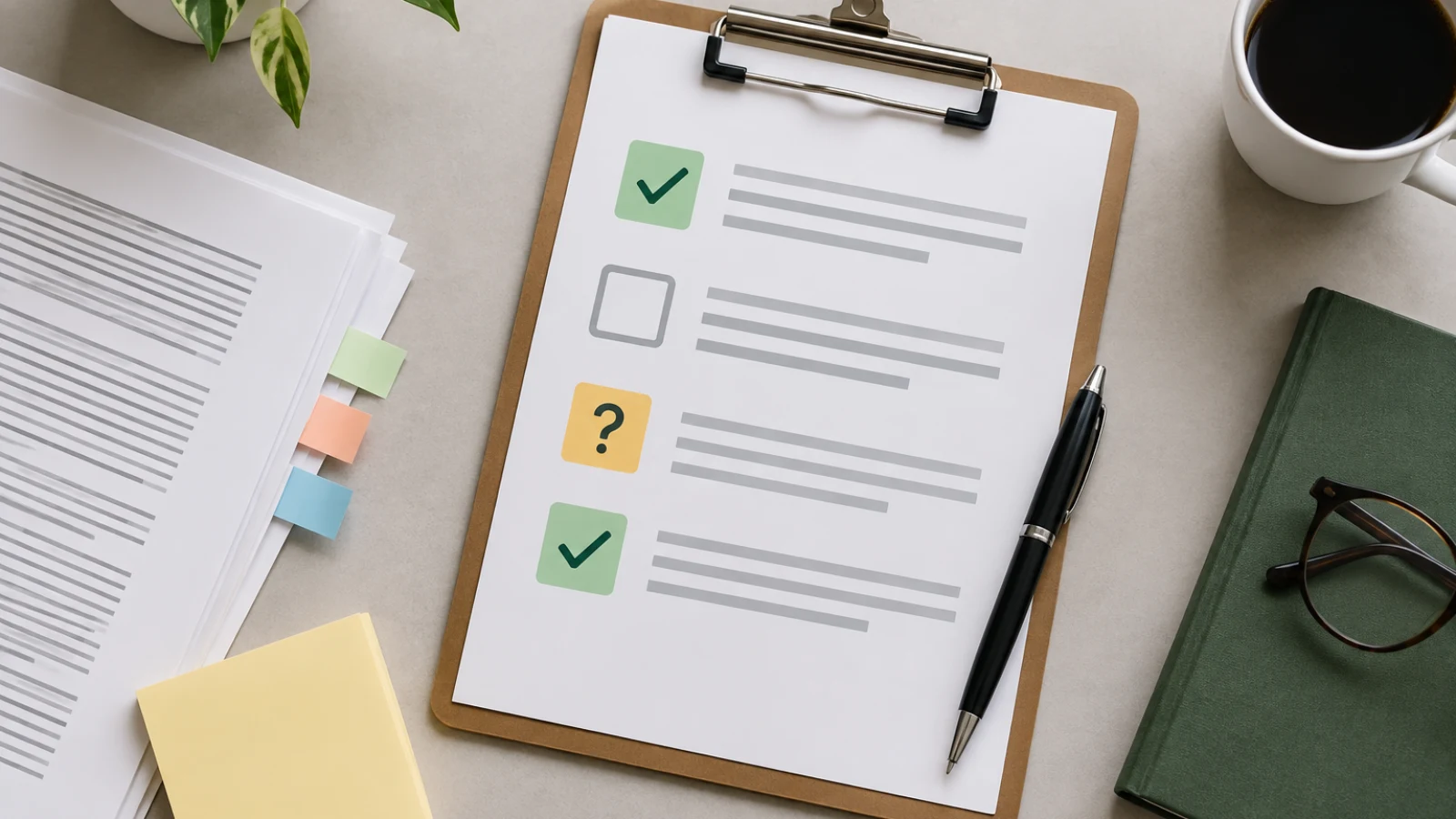
An AI content review log gives a small team a clear decision record for an AI-assisted article: who reviewed it, what changed, which questions remain open, and who approved the version that moves toward publication.
An AI content review log is a working record of decisions made after an article has been reviewed. It helps a business keep an AI-assisted draft from moving through editing, approval, and publishing on the strength of scattered comments or someone’s memory. Rather than trying to prove that every sentence is correct, the log records the outcome of the controls your team already uses: a claim was verified, rewritten, removed, assigned for follow-up, or escalated. It also identifies the version under review and the person authorized to make the next publication decision.
In this guide
Define the review log’s job
Treat the log as a decision record, not as another all-purpose editorial document. A fact-checking checklist asks what a reviewer should inspect. A source list identifies material that may support a statement. A style guide sets writing conventions. A publishing checklist confirms release tasks. The review log answers a later question: what did the reviewer decide about this specific version, what action followed, and may the article proceed? Keeping those functions separate makes the record short enough to use while preserving the context needed at handoff.
A useful boundary
A completed log is evidence that named people recorded decisions. It is not proof that an article is accurate, complete, legally reviewed, compliant, or suitable for every audience. Keep the underlying evidence, review notes, and business approvals available when the decision depends on them.
Use a simple review-log template
A spreadsheet, shared database, project board, or document table can hold the log. Start with one row for the article-level decision and add issue rows only when a review produces a change, an open question, or a decision worth preserving. Give every entry a recognizable article title or ID and a version label. That small discipline prevents approval for an earlier draft from being mistaken for approval of a later revision.
Core fields for an article approval record
| Field | What to record | Why it belongs in the log |
|---|---|---|
| Article and version | Working title or URL, draft version, and review date | Connects the decision to the exact material reviewed. |
| Reviewer and role | Name plus role, such as editor, business owner, or subject-matter reviewer | Shows who made or informed the decision. |
| Review area | Facts, sources, scope, voice, metadata, images, links, accessibility, or release readiness | Makes the issue understandable without rereading every comment. |
| Decision and change | Approved, revise, remove, blocked, or escalate; include a concise reason and the resulting edit | Preserves the outcome rather than only the criticism. |
| Owner and due date | Person responsible for the next action and the next review date where needed | Prevents an unresolved item from losing its path forward. |
| Publication decision | Approved to publish, approved after stated edits, pending, blocked, or retired; include approver and date | Separates review completion from authority to release. |
Keep status labels small and explicit
- Approved: The reviewer accepts the item for the identified version and scope.
- Approved after stated edits: The approver allows publication only once listed mechanical or low-risk edits are completed and confirmed.
- Revise: The draft needs a defined editorial or factual change before another decision.
- Blocked: A named missing input or decision prevents ordinary progress.
- Escalate: The issue needs a person with different authority or expertise.
- Removed: The claim, asset, or section will not appear in the current article.
- Retired: The assignment will not proceed in its current form.
Record decisions that affect what readers see
Factual and source decisions
Do not copy a full claim log into the review log. Instead, record the decision that changes publication status. For example: “Service availability statement removed because the owner could not confirm current eligibility,” or “Definition revised to match the cited primary reference.” Add the location in the article, the owner of any follow-up, and the date the question should return for review. If a central claim remains unconfirmed, a useful decision is usually to block, narrow, qualify, or remove it—not to leave a vague comment that says “check this.”
Voice, scope, metadata, and image decisions
Editorial work can disappear between reviewers unless the log captures the final choice. Record significant scope changes, such as removing advice that the business cannot support or splitting an overly broad topic into a later article. Record voice decisions when they materially change the reader experience: for example, replacing internal jargon with a defined term or removing a sales claim that lacks approved support. Before release, record who reviewed the title, description, slug, headings, links, image alt text, and publication settings. Use a separate guide to <a>review article metadata before publishing</a>; the log should preserve the decision and owner, not duplicate the guide.
Set approval and escalation rules before the first review
Name an accountable publication approver for each article. On a small team, one person may write, edit, confirm business details, and approve publication; the log should still distinguish which decision that person made. Define when an editor can close a minor issue, when a business owner must confirm a business-specific statement, and when the article must be returned to draft. A practical escalation rule is simple: if the reviewer cannot confidently resolve an issue within their role, they assign it to a named owner and move the article to pending or blocked rather than silently accepting it. (AI RMF Core – AIRC)
Decisions worth defining in advance
- Which role can approve publication for each content type
- Which claims require a business owner or specialist to decide
- What makes an issue blocking rather than a routine edit
- Who may change a scheduled date or publication visibility
- How an approver confirms that required edits are complete
- What record must be updated when a published article receives a material correction
Worked example: turning a review comment into a usable record
Illustrative example: A fictional landscaping company prepares an AI-assisted article called “How to Plan a Low-Maintenance Garden.” The editor reviews version 0.3 and finds the sentence, “Native plants always need less water.” The reviewer cannot support “always,” because water needs depend on the plant, site, and conditions. The purpose of the log is to preserve the decision, not merely leave a comment in the draft.
Illustrative log entry
| Log field | Illustrative entry |
|---|---|
| Input | Version 0.3, section “Choose plants,” sentence containing “always need less water.” |
| Mapping | Review area: factual wording and scope; reviewer: editor; decision owner: horticulture lead. |
| Error | The absolute wording makes a broad claim that the reviewer cannot confirm for every plant and site. |
| Correction | Replace with: “Choose plants suited to your climate, soil, and light conditions; ask a local professional or extension resource about water needs.” |
| Decision | Revise; owner: writer; due: before the next approval review. |
| Final handoff | Version 0.4 is returned to the horticulture lead for confirmation. Publication remains pending until the lead records an approval or another required change. |
Place the log in the publishing workflow
Open the log when the draft is ready for human review, not after publication has already been scheduled. Link it to the brief, draft location, evidence record, and asset folder so reviewers can find the context without reconstructing the assignment. After edits, update the version and record whether the prior decision still applies. Once publication approval is recorded, the team can <a>edit and export approved articles</a>, schedule release, or hand the article to the person who controls the CMS. Record the final URL and publication date after release, then create a new entry rather than overwriting history if a material update is later required.
Post-publication review is a separate decision point. Use it to record corrections, changed business facts, reader feedback that reveals an unclear passage, or a decision to update, redirect, or retire the article. Performance data may suggest questions for an editorial review, but it does not by itself explain why a result changed or prove that a specific edit caused an outcome. For that kind of investigation, see <a>How to Use Google Search Console Data to Review Your Content</a>.
Avoid common review-log mistakes
- Writing “looks good” without a version, scope, or named approver
- Copying every draft comment instead of recording decisions that change status or publication readiness
- Using “needs work” without identifying the issue, owner, next action, and next review date
- Treating a cited link as a decision that a business-specific claim is current and approved
- Marking an article approved while a central claim or required asset remains unresolved
- Overwriting earlier decisions after a substantial rewrite instead of creating a new versioned entry
- Using the log as a substitute for a fact check, source review, expert review, or site-release check
- Leaving closed issues in a vague open state rather than marking them approved, removed, blocked, or escalated
Key takeaways
- Use the AI content review log to record outcomes and ownership after review, not to replace the review itself.
- Tie every approval to an identifiable article version and a named publication approver.
- Give unresolved issues a specific owner, decision needed, and review date.
- Record meaningful factual, scope, voice, metadata, asset, and release decisions in concise language.
- Keep a new versioned record when a material post-publication correction or revision changes the article.
Build a clearer article approval process
If you need a workflow that supports planned articles, human review, editing, and scheduled WordPress publishing, explore <a>Content research and planning</a> from SearchWeave.